
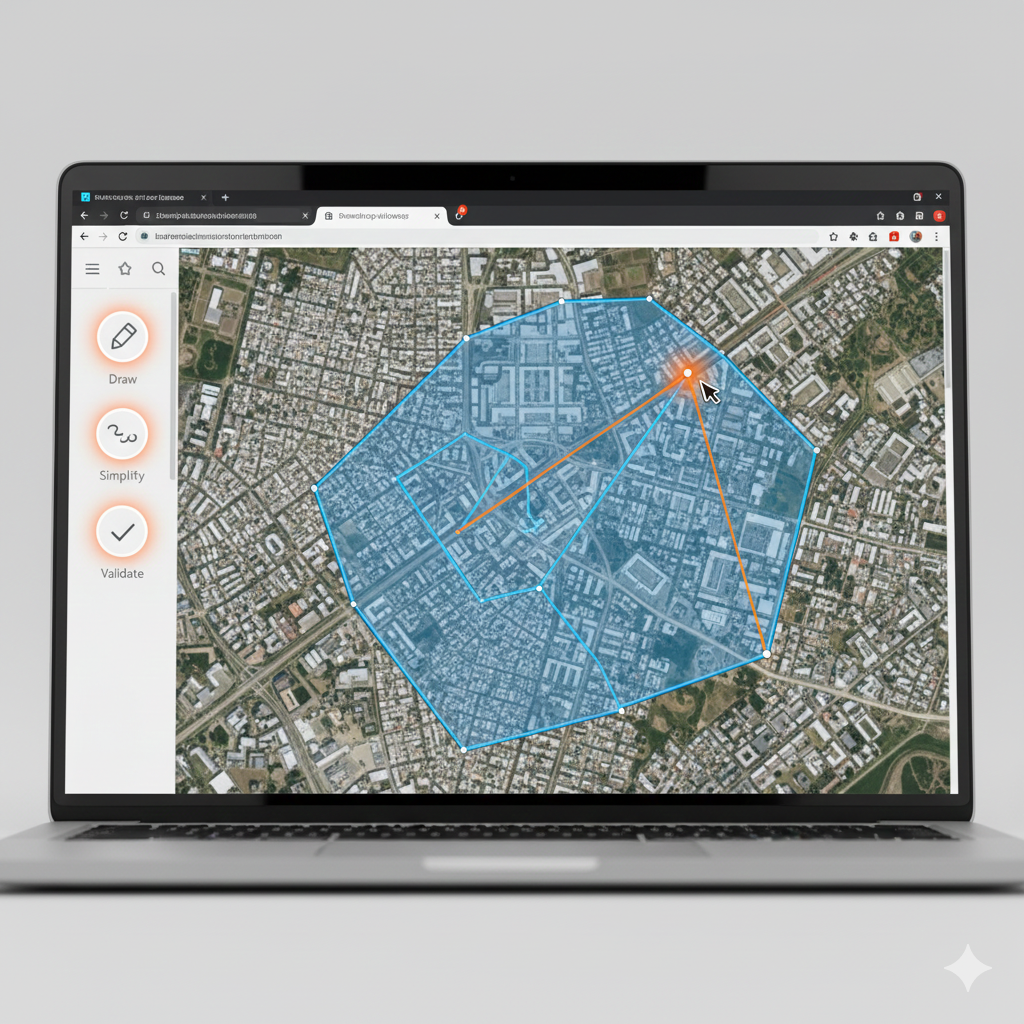
Edit GeoJSON Polygons Like a Pro: Browser Tools for Precision Mapping
November 29, 2025
Edit GeoJSON Polygons Like a Pro: Browser Tools for Precision Mapping
GeoJSON editing doesn't need ArcGIS. With geojson.cloud's interactive editor, tweak geometries, add properties, and validate on a live map — all in your browser for zero setup.
Core Editing Features
- Draw & Snap: Click to add points/lines/polygons/circles. Auto-snaps vertices for clean topology; supports drag-and-drop imports from GeoJSON or KML.
- Refine Geometries: Simplify paths (reduce vertices by 80% without shape loss), merge adjacent features, or buffer zones — preview changes instantly.
- Property Management: Add/edit attributes (e.g., "name", "population") in a spreadsheet-like panel. Batch-apply styles like colors or labels.
- Validation Built-In: Flags invalid windings, duplicates, or CRS mismatches with one-click fixes. Exports to WKT, CSV, or TopoJSON.
Real GIS Wins – Browser vs Desktop
| Task | Time in geojson.cloud | Traditional Desktop GIS |
|---|---|---|
| Fix 50 invalid polygons | 45 seconds | 5–15 minutes |
| Style 1,000 points | Instant live preview | Export → re-import cycle |
| Save & share project | One-click cloud link (Pro) | Zip folders + email/drive |
| Convert Shapefile → GeoJSON | Drag-and-drop (30 sec) | Open QGIS/ArcGIS → export |
| Simplify 100k-vertex file | Slider → instant preview | Multiple steps + testing |
Most users report cutting these routine tasks from minutes to seconds after switching to geojson.cloud.
Free for basics; upgrade to Pro for unlimited saves and public view-only shares.